How to Create and Sell a Digital Planner
Build and test a hyperlinked PDF planner, choose a price, create its sales page, and deliver the purchased files.
Pick the file experience before drawing pages
“Digital planner” can mean at least three different products: a printable PDF, a hyperlinked PDF for tablet note-taking, or a database-backed Notion workspace. They cannot be evaluated by the same checklist.
| Format | User interaction | Best validation test |
|---|---|---|
| Printable PDF | Print and write | Print at US Letter and A4; check margins and legibility |
| Hyperlinked tablet PDF | Tap tabs, annotate pages | Open in the named annotation app; test navigation and pen use |
| Notion planner | Duplicate and edit databases | Duplicate to a fresh account; verify properties and linked views |
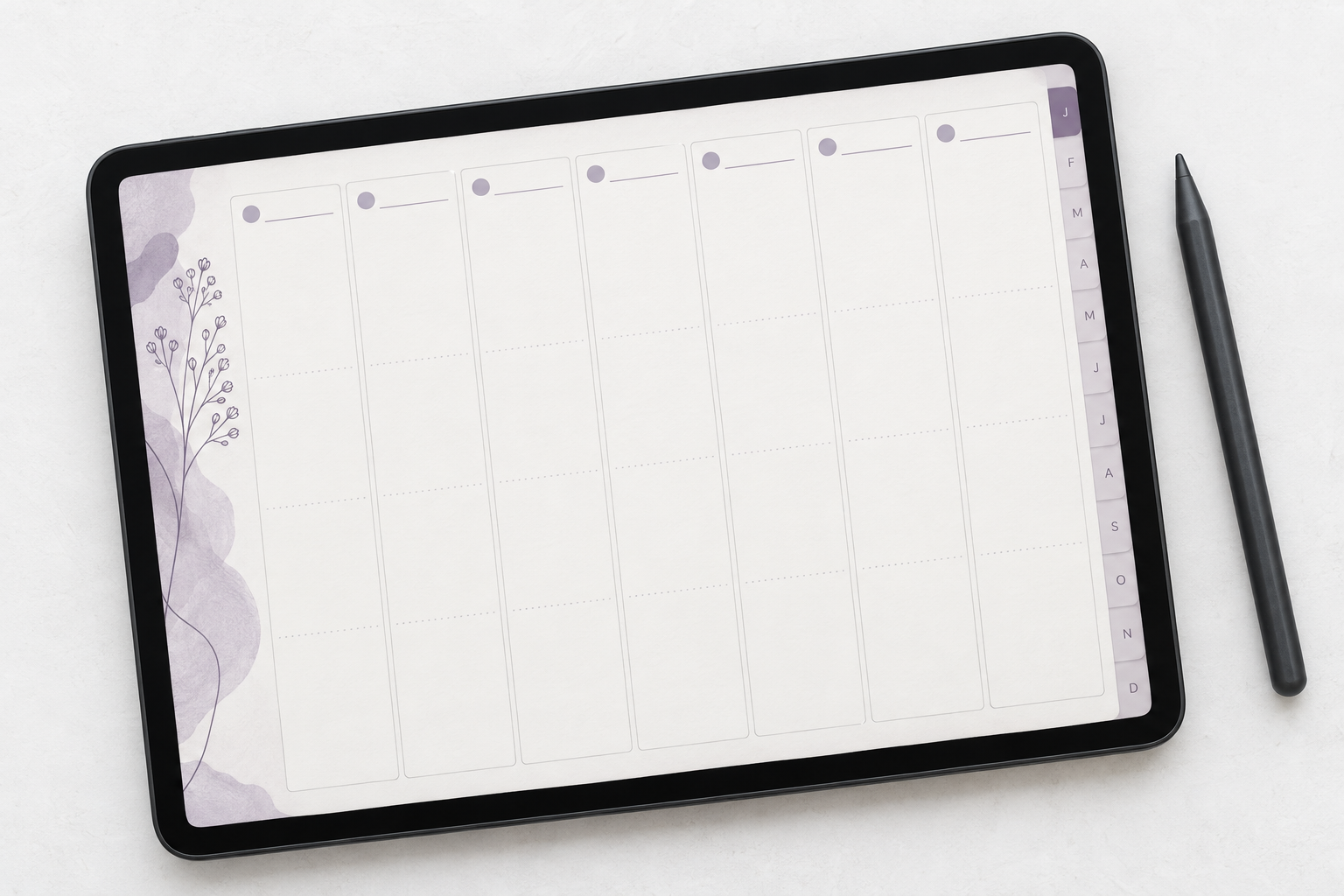
A worked build: a 12-month hyperlinked tablet planner
- Map the navigation. Sketch a home page, 12 monthly pages, weekly pages and notes. Decide whether weeks are dated or reusable before laying out the grid.
- Define tap targets. Put a consistent month strip and a home button in the same location on every page.
- Create a master layout. Use the same page dimensions, type scale and margins throughout. Avoid copying decorative layers by hand 200 times.
- Build one month completely. Link the month tab, each week and the home button. Export a PDF and test it in the intended app before multiplying pages.
- Duplicate only after testing. Update month names and internal destinations. Test January, a middle month and December to catch off-by-one link errors.
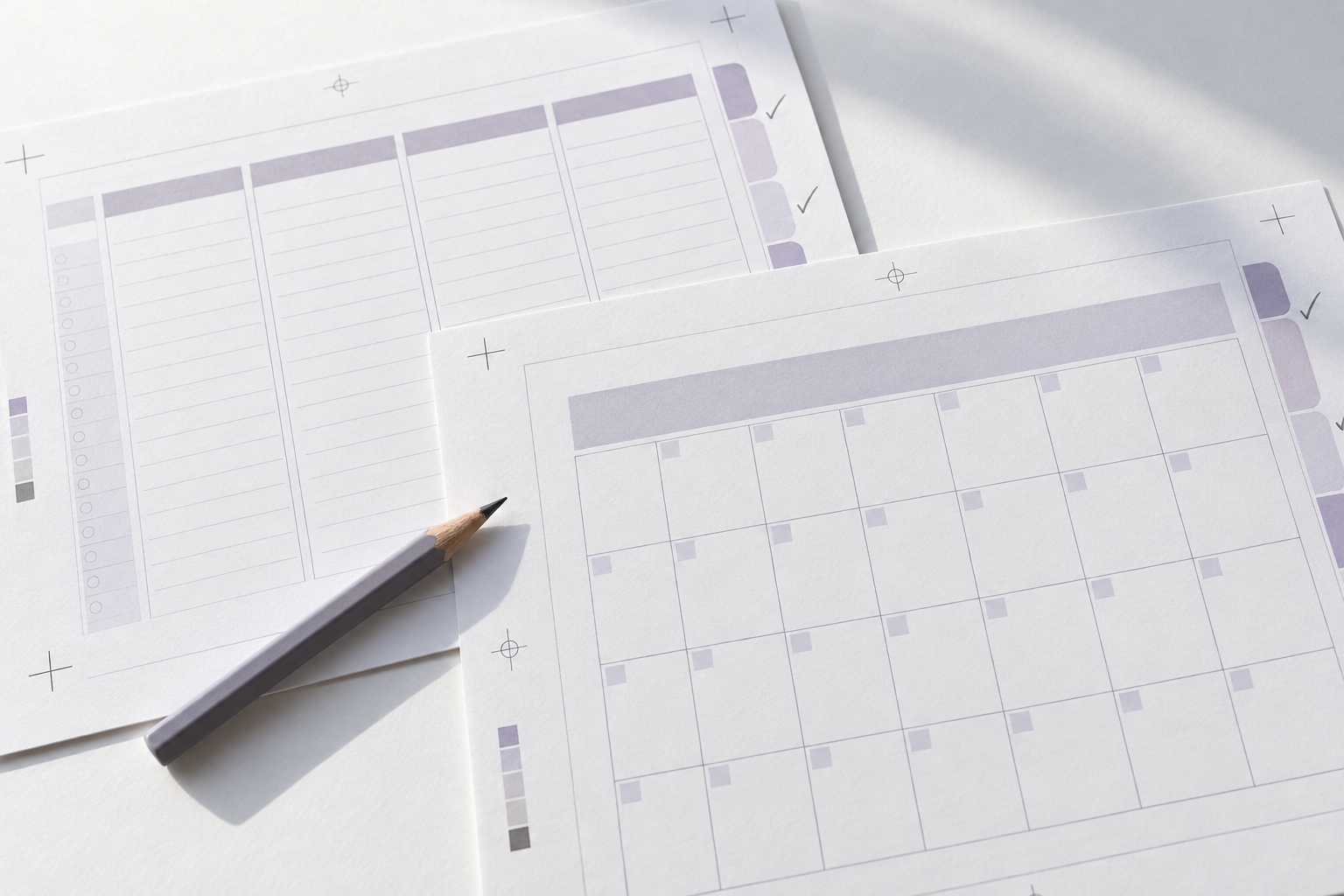
- Check annotation space. Print a sample page or write on it with a stylus. A tiny weekly cell that looks elegant in a mockup may be unusable.
- Export and inspect. Verify embedded links, file size, page order, orientation and any claimed calendar integrations. Do not advertise synchronization that the file does not support.
- Ship a quick-start guide. Include how to import, navigate, duplicate notes pages and troubleshoot links.
What actual listings show
GoodPrintablesStore advertises a 2026 iPad planner at $19.50 with calendar-related features. NIBCOLLECTIVE advertises a budget planner at a $4.49 sale price, while KATScreations614 offers a hyperlinked reading journal at $28.00 during a promotion. These are different use cases; their prices should not be averaged into a fictitious “digital planner market rate.”
| Example | Observed asking price | Buyer promise |
|---|---|---|
| iPad digital planner · GoodPrintablesStore | $19.50 | Daily/weekly/monthly planning, calendar-related features |
| Budget iPad planner · NIBCOLLECTIVE | $4.49 sale | Paycheck and budget tracking for iPad |
| Hyperlinked reading journal · KATScreations614 | $28.00 sale | Reading-specific pages, challenges and extensive hyperlinks |
The release test
Give the file to someone who has never seen the design. Ask them to locate October, open the third week, return home and find a blank note page. Time the process and record where they hesitate. This is a proposed usability test, not marketplace data; its purpose is to catch friction before customers pay.
Price the planner by scope and contribution
Compare planners that solve the same task in the same format. A printable weekly sheet, a hyperlinked tablet planner and a Notion workspace have different requirements and included work. Record whether each comparison is dated or undated, the pages and navigation included, supported apps, instructions and the advertised normal and sale prices.
Set a contribution target before choosing a test price. As a simplified hypothetical example, an $8 sale with $0.50 in fixed per-order deductions and 10% in percentage deductions leaves $6.70 before support, advertising and other costs: $8 − $0.50 − $0.80. These are illustrative assumptions, not Etsy’s fee schedule. Use the Etsy calculator with applicable rates for a platform-specific estimate.
Creation time is usually an upfront cost. If you spent $120 of time and tools on a planner and retain $6 per order after the costs you have counted, 20 orders would recover that $120 under those assumptions. That is a break-even scenario, not a sales forecast, and it excludes any costs you have not included.
- Price the delivered scope; a large page count does not itself make the planner more useful.
- Calculate discounts using the price the buyer actually pays.
- Allow for recurring software, maintenance of dated editions and repeated support requests.
- Review price alongside conversion, refunds and support effort over the same test period.
Create a sales page that shows how the planner works
A buyer needs to recognise the format before paying. Use a title such as “Undated hyperlinked PDF planner for tablet note-taking” rather than suggesting that a static file is a standalone app.
| Page element | What to show |
|---|---|
| First preview | One readable weekly spread with realistic sample entries. |
| Navigation demonstration | A short sequence showing home, month, week and return navigation. |
| Included contents | Page types, dated or undated status, file formats and quick-start guide. |
| Compatibility | Apps and devices you actually tested, plus any required third-party purchase. |
| Boundaries | Whether printing, editing, calendar sync or reusable pages are supported. |
| Delivery and support | How files arrive, where import instructions live and how to request help. |
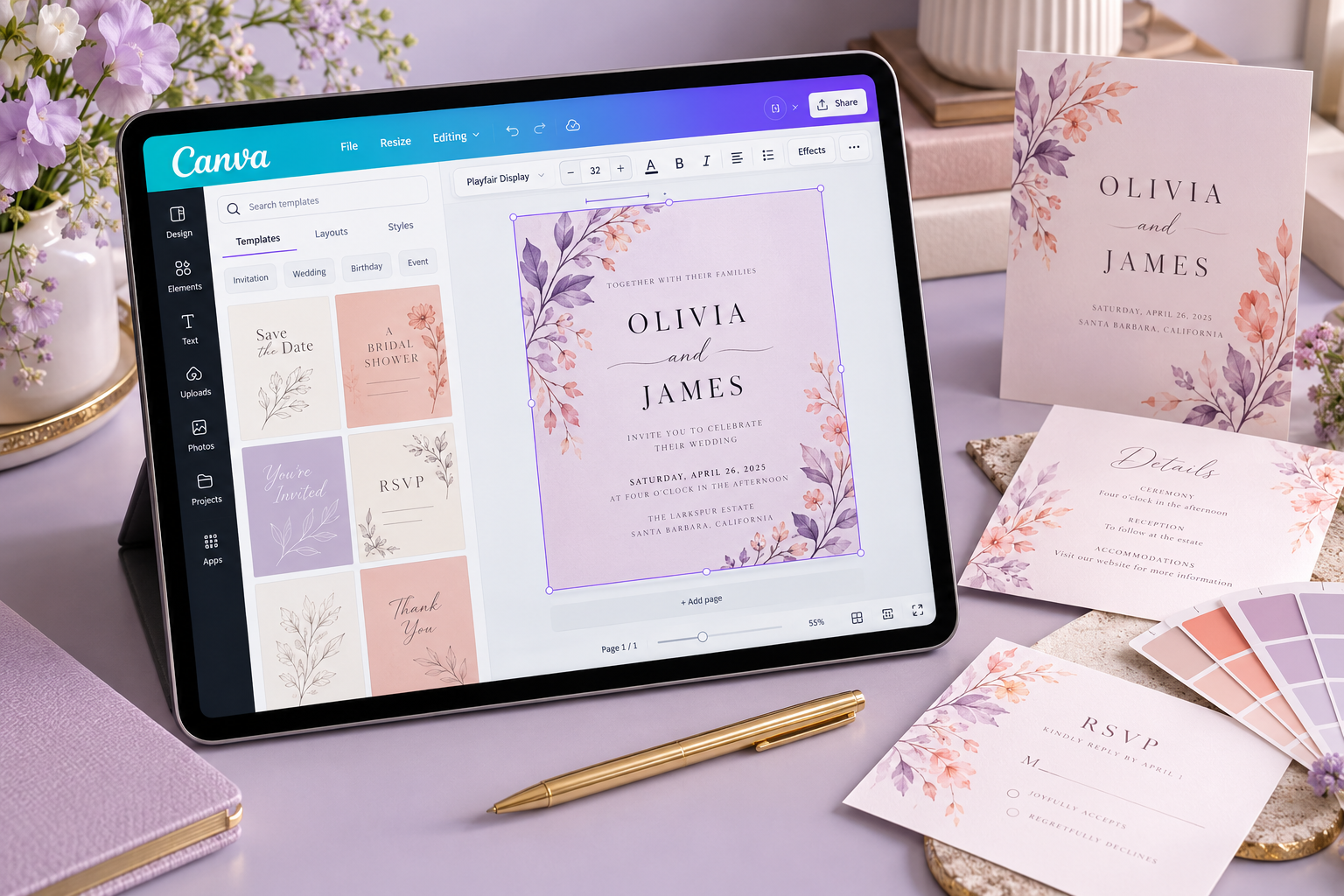
Suggested description structure: “Includes an undated hyperlinked PDF with monthly and weekly planning pages, notes pages and an import guide. Download the files after purchase and import the PDF into the compatible annotation app listed below. No physical item is shipped; the annotation app is not included.” Adapt every statement to the file you tested.
Use a clear purchase button with the price and scope nearby. Show actual page interiors, not only a decorative cover. If you offer a sample page, identify it as a sample and let the buyer inspect writing space and readability without confusing it with the full product.
Package and deliver the purchased planner
Prepare clearly named files such as undated-planner-v1.pdf and start-here.pdf. Keep an archive of the exact release. The guide should explain download, import into the named app, navigation, annotation and the support contact. Test the guide with the exported files rather than your working design.
For an Etsy instant-download listing, attach the deliverables before publishing. Etsy currently permits up to five files, each no larger than 20 MB. Inspect your exported size; if you use a ZIP, confirm that the ZIP itself fits the limit and explain extraction. See Etsy’s digital-file guidance.
For Payhip, upload the release files as a digital product; buyers receive a download page and an emailed download link. For a Shopify store, configure a digital-delivery app and test the attached files and delivery settings. The product page should describe the delivery route the buyer will actually receive.
- Run a supported test order and open the confirmation and delivery email.
- Download every file using a fresh buyer session.
- Import the planner into the advertised app and check home, month and week links.
- Write on a page and verify any duplication or reuse instructions.
- Confirm that the support contact, version name and update promise match your listing.
For a failed import, ask for the file version, app and device, then reproduce the issue before recommending a fix. State whether future dated editions are separate purchases and what bug-fix support is included. Do not promise lifetime updates unless you have planned for that commitment.
Official delivery references: Payhip file delivery and Shopify digital products. Delivery details checked 14 October 2026; follow current platform guidance if requirements change.
Research sources & listing references
Individual Etsy prices were observed in publicly accessible listings during research in October 2026. They can change, including promotional prices. A listing is not proof of product-level sales or search volume. References below are provided for verification.
- iPad digital planner · GoodPrintablesStore — $19.50
- Hyperlinked reading journal · KATScreations614 — $28.00 (sale)
- Budget iPad planner · NIBCOLLECTIVE — $4.49 (sale)